HTML & CSS for Business and Marketing
HTML is that the foundation of all net pages. It defines the structure of a page, whereas CSS defines its style. HyperText Mark-Up Language and CSS are the start of everything you...
By Admin
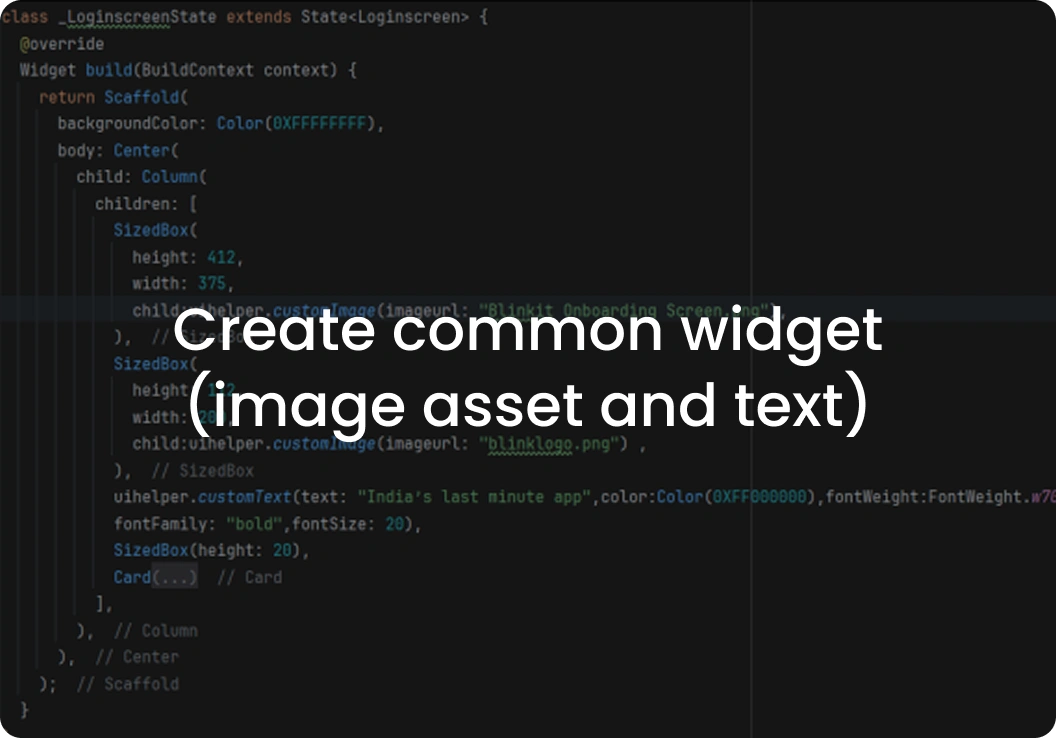
When we create an app, we can use many ImageViews for displaying images and TextViews for showing text. We often need to use ImageViews and TextViews across multiple classes in our app code. If we write the same code repeatedly, our codebase becomes bloated and difficult to understand. When you have code that's used repeatedly, you define it in a Common Class.
You need to create the Common Class, e.g., we have created the class UIHelper. In this class, we can define the common method for image assets and text, as shown below:
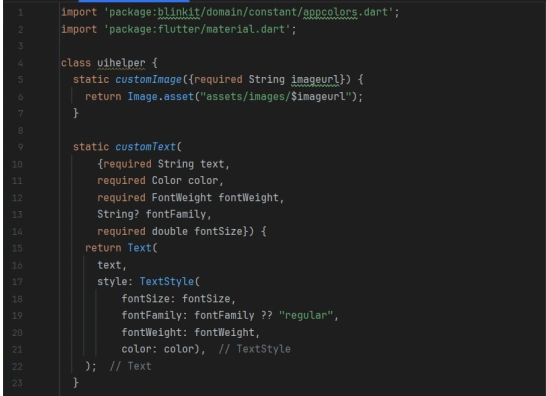
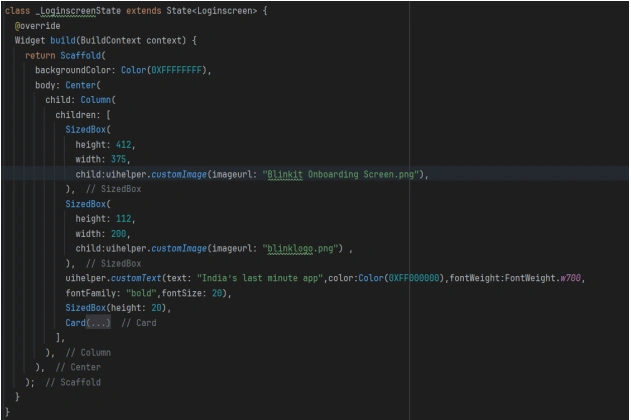
Now you can call this class where you can use this method. UIHelper.Customizing or other.

HTML is that the foundation of all net pages. It defines the structure of a page, whereas CSS defines its style. HyperText Mark-Up Language and CSS are the start of everything you...
Sockets are mainly used interaction between client and server,or we can also say that socket is technology by which we use to interaction between multiple users on same...

Hold down your phone's power button to see a new expanded page of commands. Now you can dial 911, shut down or restart your phone, along with access to Google...
Bootstrap is a free and open source front end development framework for the creation of websites and web apps.In computers, the word bootstrap means to boot: to load a...
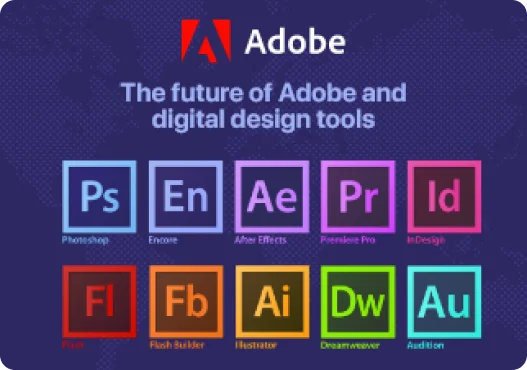
Founded in 1982, Adobe is an American software company with a wide range of professional products, focusing on the creation and processing of graphics, photography...
Explore your potential and begin your journey today.


